

Coming soon to the App Store · iPhone & iPad
Retro handheld cartridges on iPhone, iPad, and Mac
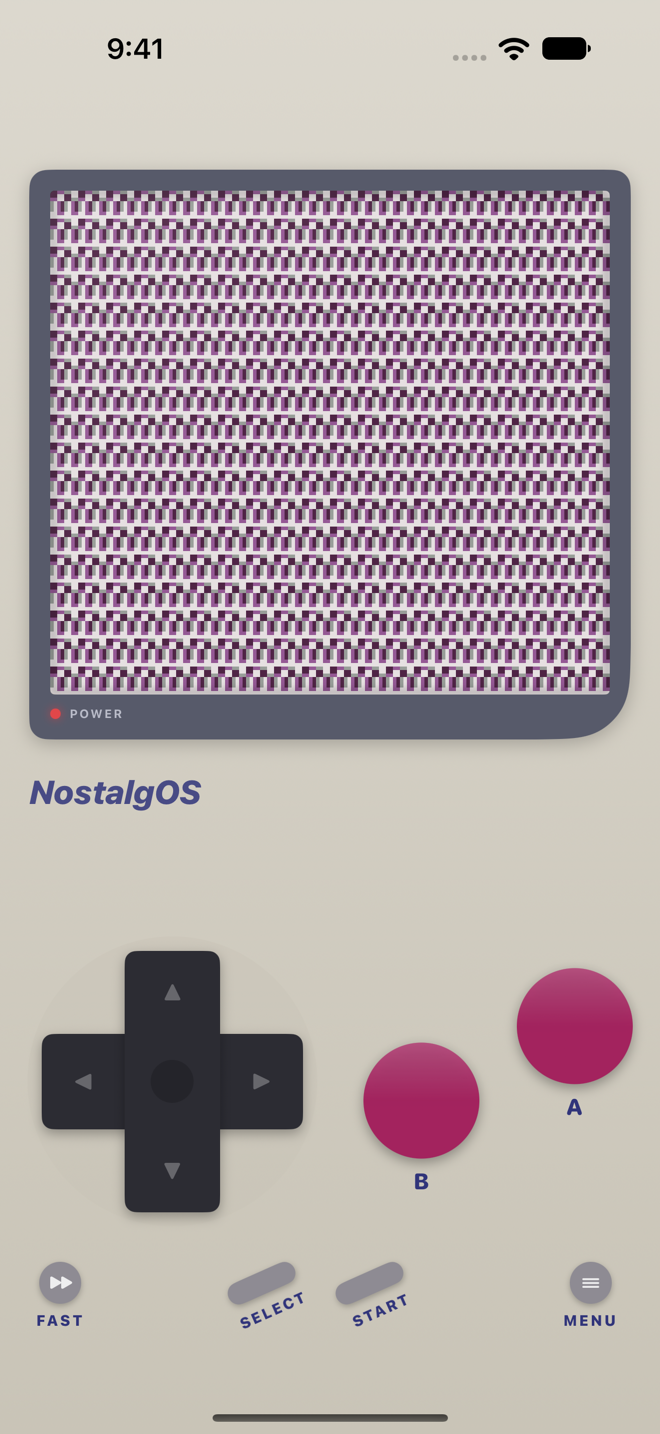
NostalgOS imports .gb, .gbc, .gba, and .zip cartridge files from Files, or lets you start with the built-in Pocket Demo. Play with touch controls or a game controller, with automatic saves, optional one-time Pro ($4.99), and no accounts, ads, or subscriptions.
Built for your collection
Focused handheld playback, kept local
Everything needed to load, play, back up, and organize your cartridge files without accounts or background servers.
-
Classic, Color, and Advance
Import
.gb,.gbc,.gba, and.zipfiles or folders. Apply.ips,.ups, and.bpspatches as separate games without modifying the original file. No BIOS file is required. -
Built-in Pocket Demo
Start playing immediately with Pocket Demo, an original self-contained cartridge created for NostalgOS to test controls, color palettes, saves, and display settings.
-
Touch and game controllers
Play with responsive touch controls or connect compatible Bluetooth and USB controllers recognized by Apple’s Game Controller framework.
-
Protected saves and backups
Battery saves persist continuously alongside Quick Save and Where You Left Off states. Export or import
.savfiles and create full.nostalgoslibrary or saves-only backups. -
Private by design
Zero accounts, analytics, advertising, crash reporting, or telemetry. Your cartridge files, saves, and screenshots stay on your device unless you choose to sync or export them.
-
Apple-native experience
Designed for iPhone, iPad, and Mac with crisp nearest-neighbor pixel scaling, portrait and landscape layouts, and Family Sharing support for NostalgOS Pro.
Inside the app
Saves and library built to stay safe
NostalgOS keeps recovery copies when importing saves or restoring backups, and preserves your saves even if you remove a cartridge from the shelf.
Pause and save controls
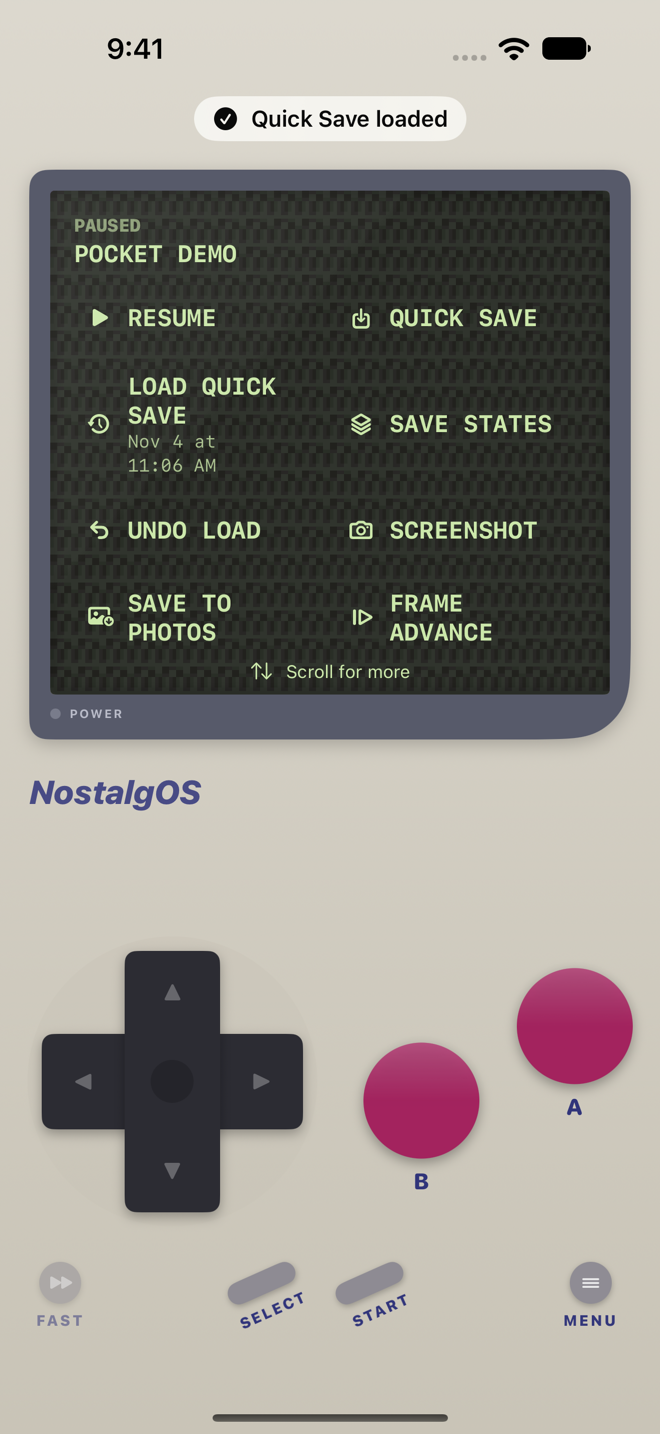
Keep an exact Quick Save alongside your cartridge’s battery save, undo an accidental state load, advance a single frame, or save a crisp screenshot directly to Photos.
Clean cartridge library
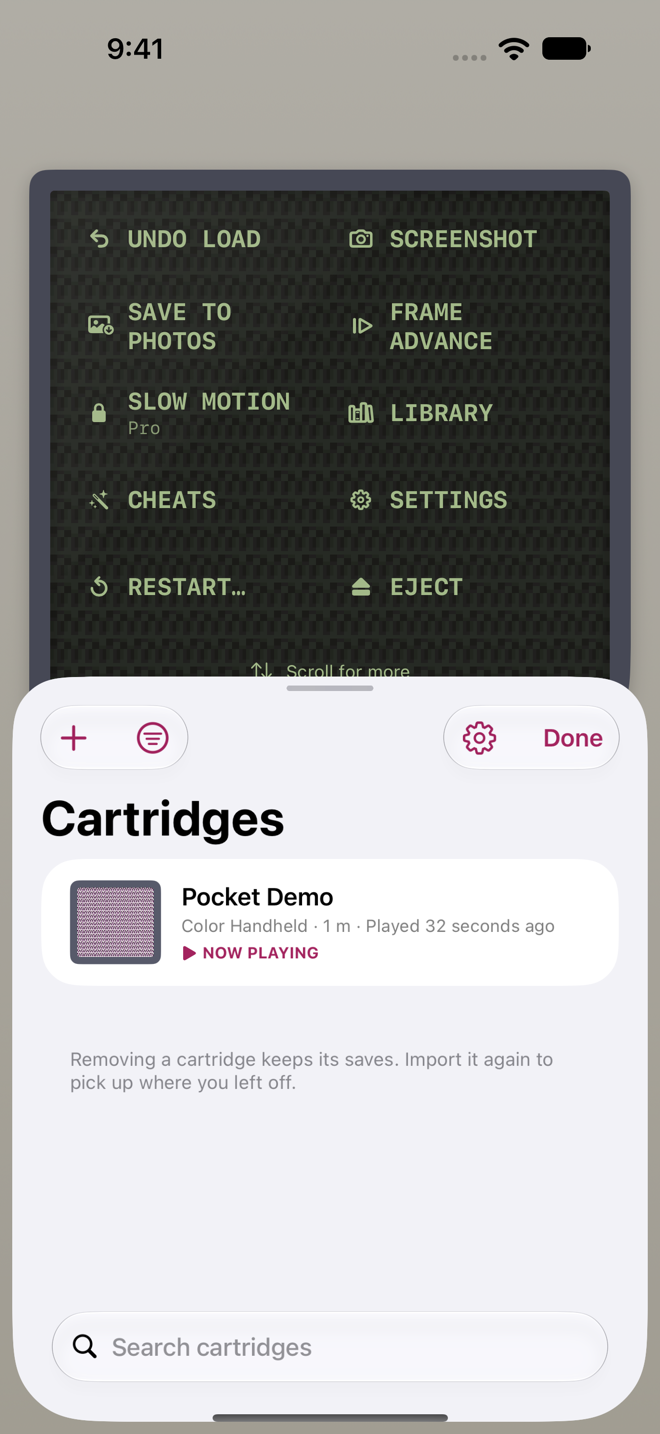
Browse cartridges with artwork from your latest state, play time tracking, search, and filters. Removing a cartridge keeps its saves so re-importing picks up right where you left off.
Simple pricing
Free player, optional one-time Pro
Playing cartridges, battery saves, Quick Save, backups, and loading existing save states are free with no subscription. NostalgOS Pro is a single $4.99 non-consumable purchase with Family Sharing.
| Capability | Free | NostalgOS Pro ($4.99 once) |
|---|---|---|
| Cartridge playback | Play .gb, .gbc, and .gba files, Pocket Demo, patches, and controllers |
All free playback features |
| Saves and backups | Battery saves, .sav export/import, .nostalgos library & save backups |
All free backup features plus 30-day sync deletion recovery |
| Save states and rewind | Quick Save / Load, Where You Left Off, load any existing save state | Save to 8 numbered slots and rewind gameplay |
| Playback speed | Pause, frame advance, and 2x fast-forward | 3x, 4x, and 8x fast-forward plus slow motion |
| Shells and display | Classic & Grape shells, Meadow & Graphite palettes, color correction | Teal & Berry shells, 12 extra palettes, LCD ghosting, and pixel grid texture |
| Sync and continuity | Local device storage | Automatic iCloud save sync, custom folder sync, Apple Handoff, and encrypted local-network Continue |
Scope & cartridge rights: NostalgOS does not supply commercial games, ROMs, or a game-download catalog. Only import cartridge files you have the right to use. Link cable, rumble, solar sensor, and gyro hardware accessories are not emulated; see Support for full details.